
Most freedivers train blind.Stop guessing. Start knowing.
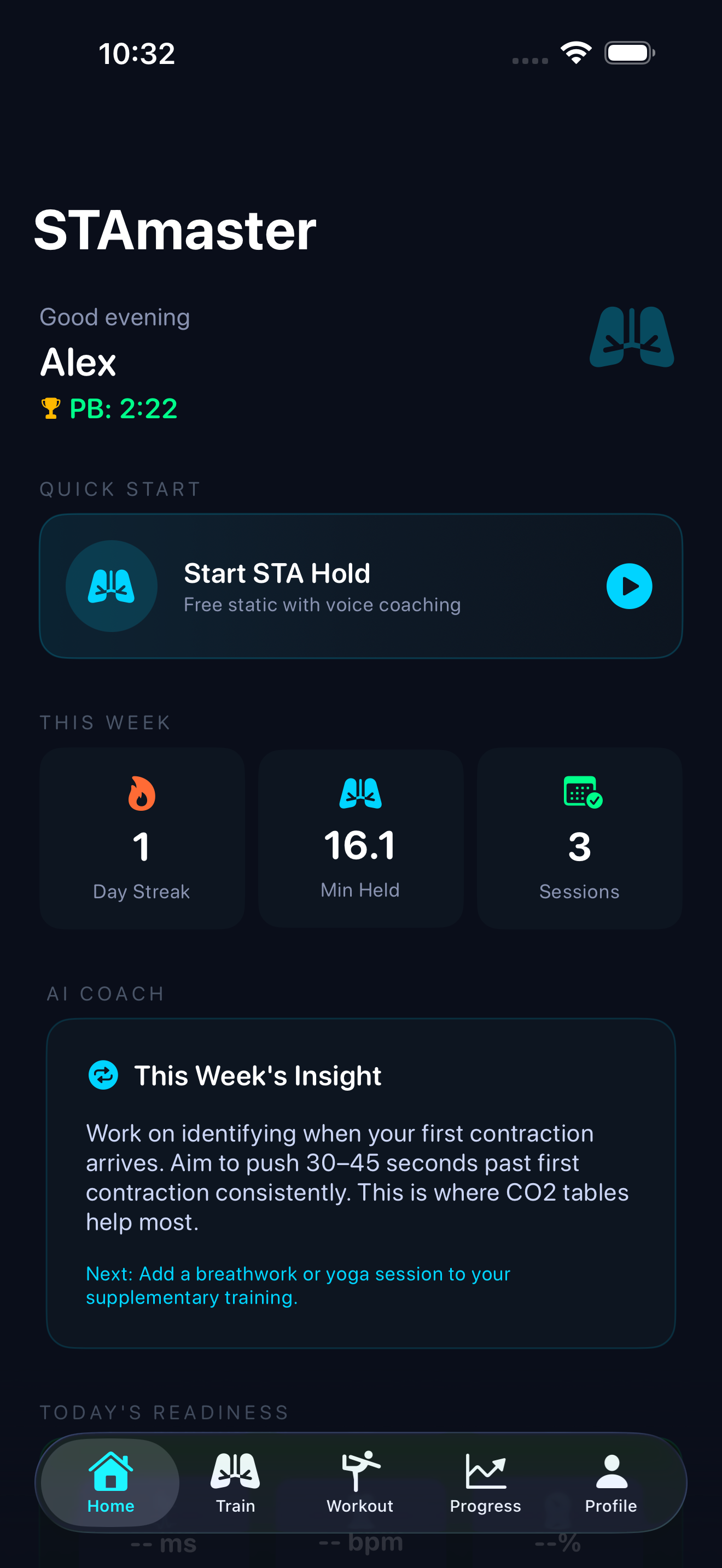
Your personal Static Apnea coach. Every hold measured, every contraction marked, every session a little deeper.


Your personal Static Apnea coach. Every hold measured, every contraction marked, every session a little deeper.
The problem
You hold your breath, you watch a number climb, you tap stop. But the number hides everything that matters — when the first contraction came, how long you fought it, whether today was readiness or recklessness.
Train like that and you're guessing. Some days you push too hard. Most days you leave time on the table and never know it.
The shift
Three things separate a guess from a session that teaches you something. STAmaster captures all of them, on every hold.
Mark the exact moment your diaphragm starts to fight. The single most honest signal in apnea.
How early that first contraction arrives — and how you train it down, week over week.
How long you hold after the contractions begin. Where real breath-hold time is won.
Precision timer
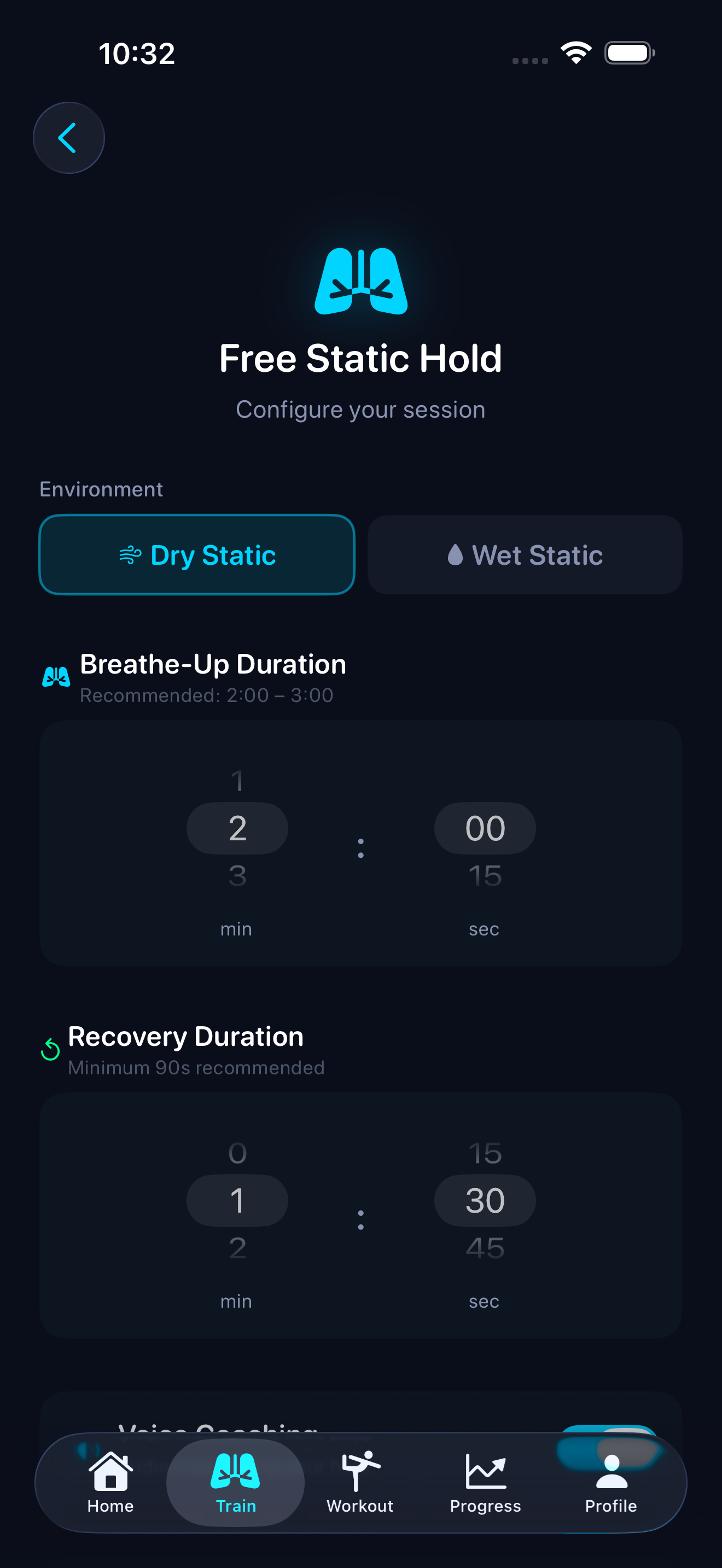
A millisecond-accurate timer with real-time contraction marking and voice coaching cues. It keeps running in the background, so your screen can stay dark and your mind can stay still. Dry or wet, free hold or table — set it up the way you train.
CO₂ & O₂ tables
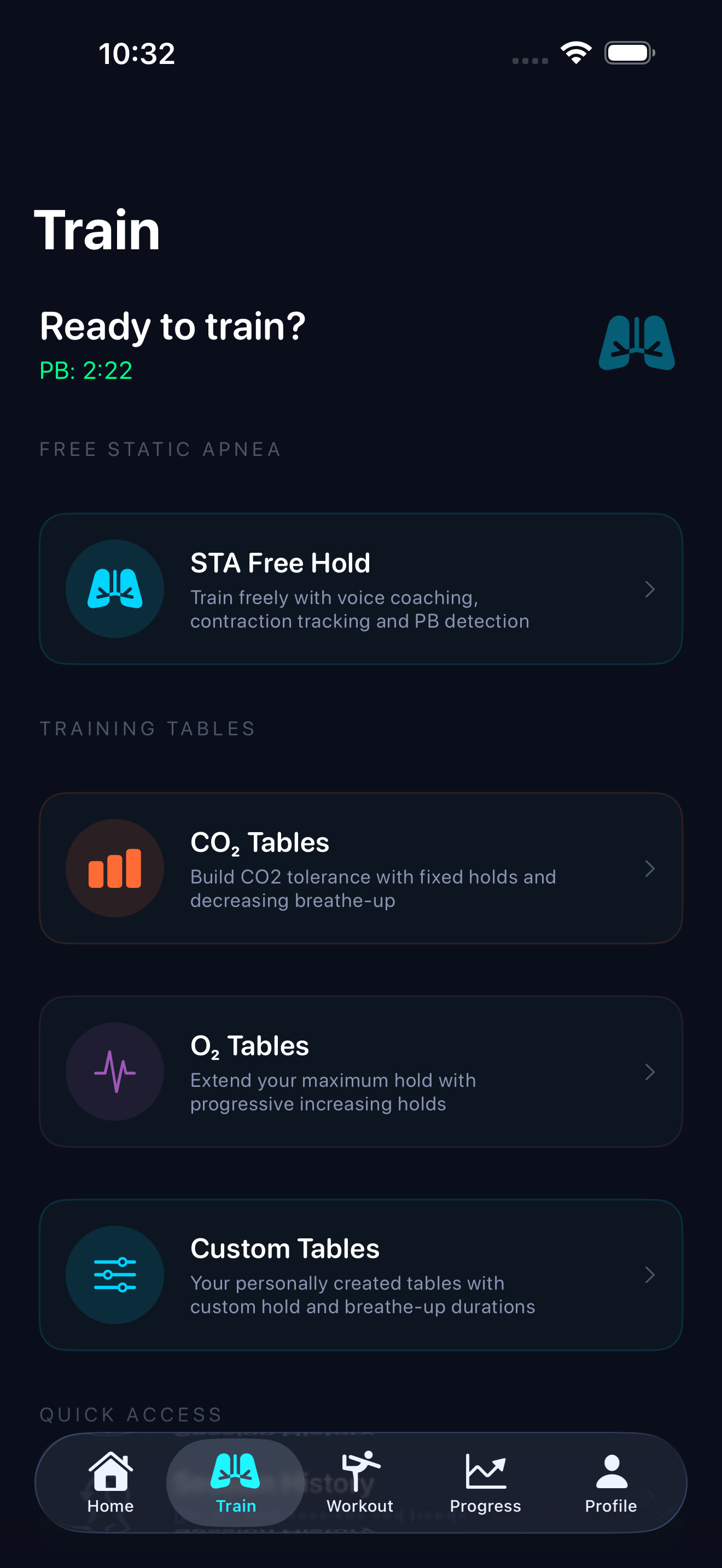
A full library of training tables — CO₂ tolerance with fixed holds and shrinking rest, O₂ extension with progressive holds. Pick from a curated set by level, or build your own with custom holds and breathe-up. The structure that turns practice into progress.
AI coaching & progress
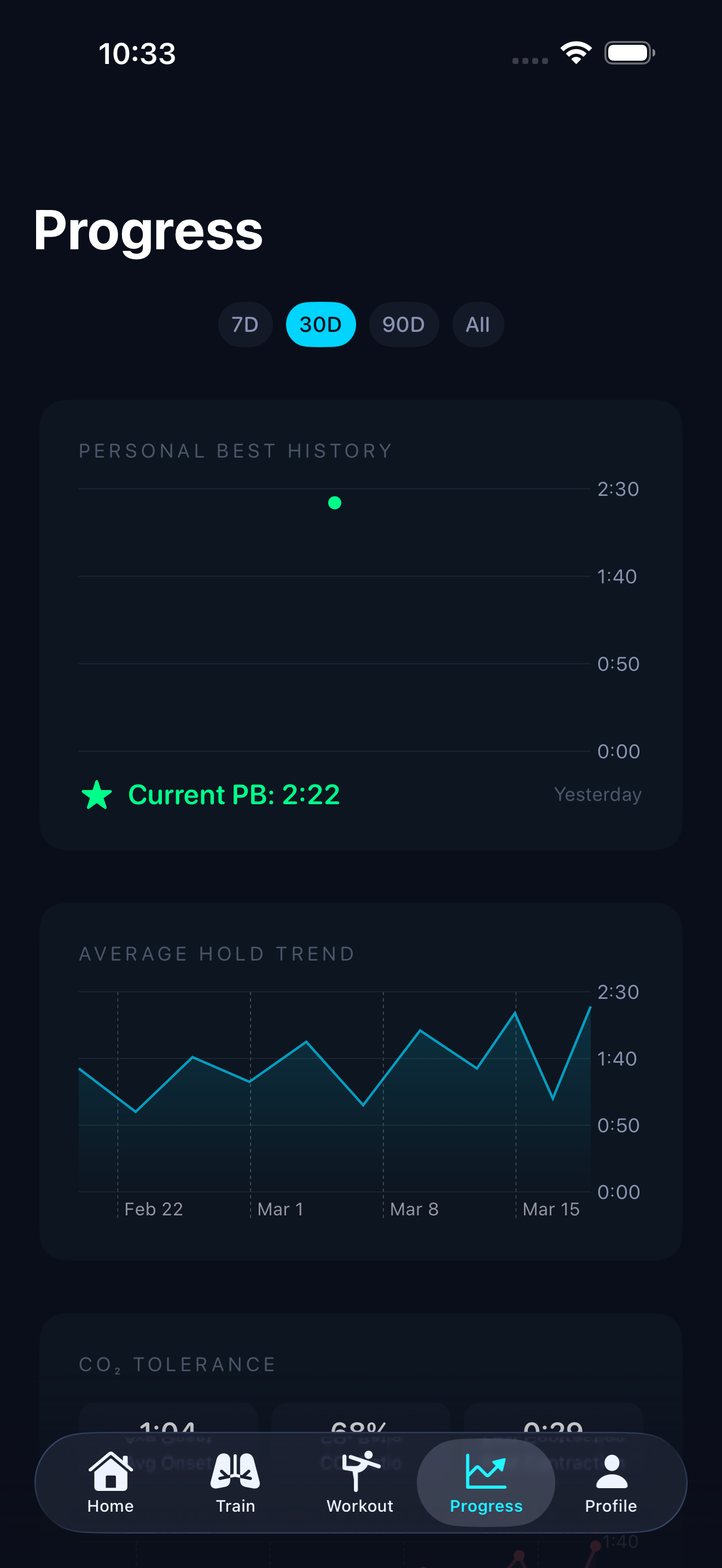
Personalised training plans that adapt to your level. Post-session analysis with one actionable tip, plateau detection when your numbers stall, and unlimited history with heart-rate charts and trends. Train enough and the “Your potential” card projects a realistic ceiling from your own best CO₂ tolerance and struggle endurance.
The deep dive
Connect a Lepu PC-60FW pulse oximeter and STAmaster streams SpO₂, heart rate, and perfusion index straight from your fingertip — with a hypoxia alert you set yourself.
The ethos
The first rule of freediving isn't optional, so neither is ours. STAmaster requires a buddy check before any wet static session. The app is a training aid — your safety buddy is what keeps you safe.
How-to
Two of the most common setups, step by step.
Stream your Amazfit heart rate into STAmaster during training, via Apple Health.
Stream SpO₂, heart rate, and perfusion index directly from your fingertip.
The price
Every feature, every table, the AI coach, the safety system. No paywalls, no subscriptions, no hidden costs.
Having trouble or have a question? We're here to help.
Email us at support@code3.io
Yes, STAmaster is completely free. Every feature is included — no paywalls, no subscriptions, no hidden costs. Just download and start training.
Absolutely. Apple Watch and Bluetooth HR monitors are optional. The core timer, tables, and coaching features work on iPhone alone.
Your training data is stored locally on your device. If you back up your iPhone via iCloud or Finder, your STAmaster data is included in the backup.
Yes. Dry static (on land) does not require a buddy check. The buddy-check safety prompt only appears for wet static sessions.
The Lepu PC-60FW is fully verified end-to-end. Other Lepu models that speak the same protocol (PC-66B, Oxysmart, Wear O2) may work but are not guaranteed. If you have one of these, try pairing it via Profile › Pulse Oximeter and email us if it doesn't connect.
Open any STA Free Hold or Table setup screen and tap the heart rate row. A picker appears with Auto, Pulse Oximeter, BLE Strap, and Apple Watch. Auto prefers the oximeter when connected, then a strap, then your watch. Your choice persists across sessions.
Fingertip pulse oximeters typically read about 10 seconds behind your true arterial saturation, and the lag gets longer during a breath-hold — the dive response shunts blood away from your fingers to protect your core. This is physics, not a bug. STAmaster captures samples for 30 seconds after the hold ends so the real oxygen nadir gets recorded properly.
After you've completed 10 distinct training sessions where you marked at least one contraction. The card combines your best CO2 tolerance (latest first-contraction time) with your best struggle endurance (longest time after first contraction) to project a realistic ceiling.
STAmaster requires iOS 17 or later.
Yes! STAmaster is now available on Android. Get it on Google Play — a native build with full feature parity.